







Personal safety for campus life
College students experience new freedoms and responsibilities as they navigate campus life, evening events, off-campus activities, and social gatherings. While these years are exciting, they can also bring uncertainty and risks, especially when students walk alone at night, travel unfamiliar routes, or encounter emergencies.
Safety Button extends best-in-class security beyond the home, giving students and their families on-demand access to professional help, anytime and anywhere.
How Safety Button supports college students
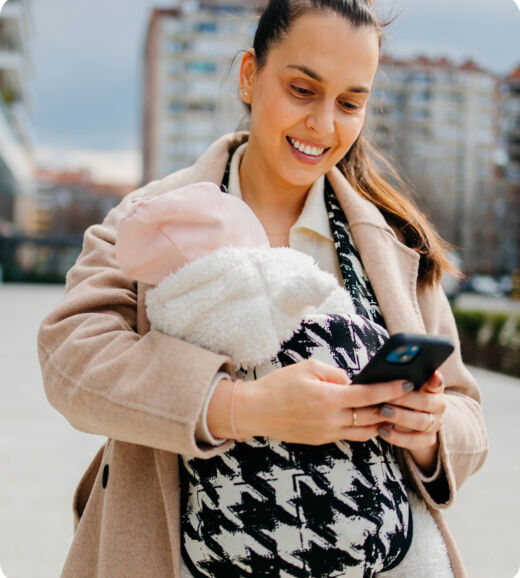
Safety Button empowers students to manage their personal safety with one simple tool in the Alarm.com app. If a student feels uneasy, such as walking back to their dorm late at night, using public transportation, or attending off-campus events, they can discreetly press and hold the Safety Button on their phone.
Releasing it triggers a 10-second window to cancel with a PIN; otherwise, a trained operator is then notified of the student's location and profile, and can dispatch emergency responders if needed.
Because Safety Button is silent and accessible via a widget right on the phone’s home screen, students can seek help without drawing attention or needing to place a call or send a text. In moments when speaking is not possible, Safety Button allows for text communication with trained operators, ensuring support is always accessible.
Examples of Safety Button in college student life
- Late-night walks: After a late study session at the library, a student walks through a dimly lit path across campus. If they feel they’re being followed or it’s unsafe, discreetly holding and releasing the Safety Button initiates an emergency response, with real-time location shared with trained professionals.
- Rideshare and public transit: When using rideshare services or city buses, especially alone or at night, students can activate Safety Button if they feel uncomfortable. Help will be ready to respond, and emergency contacts can be notified if an incident is verified.
- Off-campus social events: At a crowded party or unfamiliar location, students who sense potential danger or become separated from friends can discreetly use Safety Button for immediate assistance. Trained agents can then provide responders with the contextual notes and emergency contacts listed in the student’s profile.
- Medical emergencies: If a student faces a sudden health crisis or injury and is unable to speak, they can activate Safety Button to have help dispatched automatically.
Navigating college life should be empowering, not anxiety-inducing. Safety Button puts safety right at students’ fingertips, providing quick, discreet access to trained agents and response, location sharing, and critical support when it’s needed most.
With customizable features like Notes and Emergency Contacts, students are never truly alone, and their families can rest easier knowing reliable protection is always within reach. Whether on campus or off, Safety Button is the simple, smart solution for personal safety throughout the college experience.
Always there for the people you love
With Safety Button, you and the ones you care about have help on standby if the unexpected happens.


Get Safety Button
Ready to get serious?
Alarm.com Safety Button connects you to emergency help day or night, wherever you are. Talk to a local professional today to learn more.